


Ask your AI assistant why login is failing on one platform and you'll have an answer in seconds. Clean code, a confident explanation, and a fair chance it's calling an API that got renamed two SDK versions ago. It compiles. It reads well. It's wrong in a way you won't catch until QA does.
The problem isn't that the model can't write code. It's that it doesn't know your game. It hasn't seen which AccelByte services this project calls, which SDK you're pinned to, or how your namespace is actually configured. When it hits something it doesn't know, it guesses, in the same voice it uses when it's right.
Which AccelByte services does this project actually call? Is the code on the current SDK or two versions behind it? Does the namespace it points at hold the configuration those calls expect? What breaks if the team jumps to the latest Unreal SDK? Why did someone wire authentication up this way six months ago, and is that Extend app twice the size it needs to be?
A general-purpose assistant will answer all of those. It just won't tell you when it's guessing. We'd rather it didn't guess at all.
The Tools Were Never the Missing Piece
For the past year we've been building the parts that let AI work from real AccelByte context instead. MCP servers give assistants structured access to AGS APIs, Extend SDKs, Unreal integration, and development data. ADT can hand an AI real crash context instead of a developer pasting a stack trace into a chat window. The AGS CLI puts the backend behind one predictable set of commands a developer, a CI job, or an agent can all call the same way. The AccelByte AI Plugins project packages the skills and routing that tie those together. If you want the reasoning behind the approach, we wrote it up when the MCP servers shipped.
Those pieces gave the AI context. The next step gives it a job.
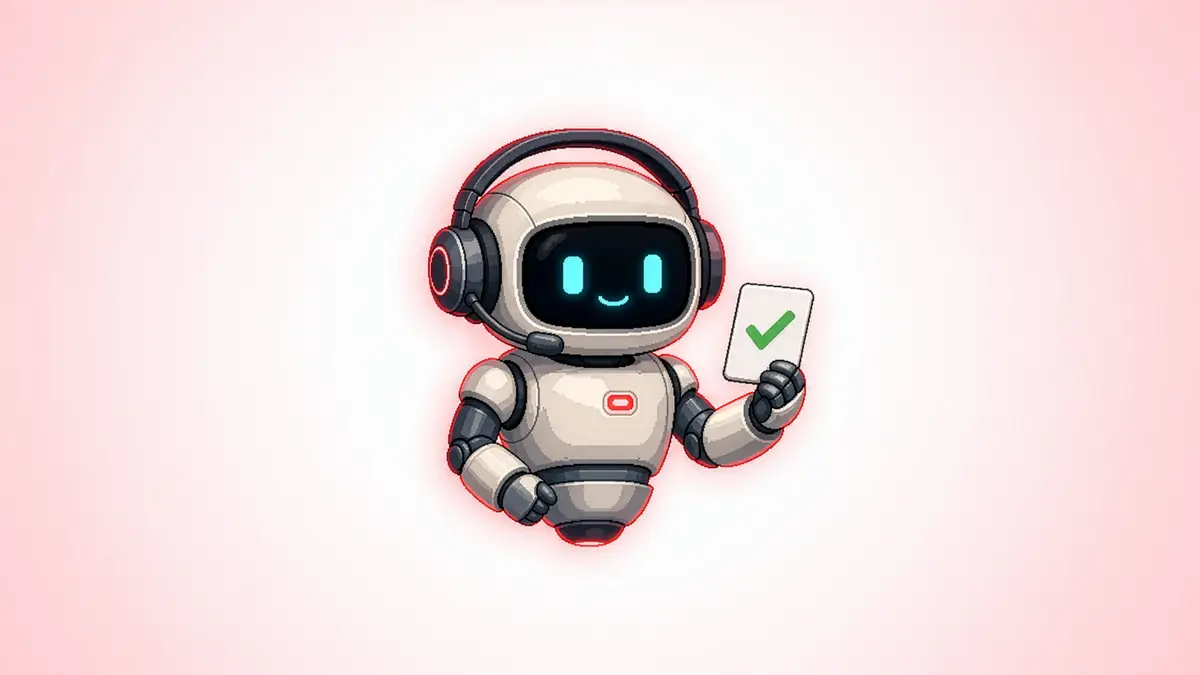
AccelByte Teammate: an AI teammate built to work alongside developers building and running games on AccelByte. It does more than answer questions about the docs. It's closer to another engineer who'll open the repo and look at the integration with you than to a chatbot that happens to know AccelByte. It reads your integration, checks what your code does against the backend it connects to, works out what an SDK upgrade would cost, holds on to the decisions your team hands it, and brings them back later when they matter.
What the AI Teammate Does
The first persona is for developers. It does five things: checks the health of an integration, weighs an SDK upgrade, reviews how an app or fleet is sized, remembers project context, and answers questions from what it's picked up about the project. There's nothing to learn beyond asking. You say what you want, and it works out which of the five you need.
-
"Check my AccelByte integration."
-
"What breaks if we move to the latest Unreal SDK?"
-
"Is this Extend app over-provisioned?"
-
"Remember this matchmaking design doc."
-
"What does this project use for authentication?"
Check Your Integration Against More than Just the Code
The one you can run first is the integration health-check. Point the teammate at an AGS-integrated repo and it finds every place you call AccelByte, then looks at those call sites for four kinds of trouble:
-
integrations that were started and never finished
-
calls to APIs that have since been deprecated
-
tokens handled in ways that leak or expire badly
-
and calls that can fail with nothing catching them.
It doesn't do that in one big model call. A scan is a fixed pipeline: pin the commit so the result maps to real code, map the call sites, optionally cross-check the live environment, run the detectors, ground every finding, write the report. If you want it to, it'll offer to fix one thing.
One of those four reads its checklist from AccelByte's current guidance at scan time rather than a list frozen into the tool, and the report tells you how much of that guidance it actually reached. Then the part that earns its keep. Every finding has to name a source, or it doesn't ship. That's not a line in a prompt asking the model to please add citations. A validator checks the report, and a finding it can't back gets dropped before you see it. So you don't get the usual pile of confident AI recommendations you then have to check by hand. You get findings at each point at the line of code or the docs page behind them, and you decide.
The scan runs at two depths. With no access to your environment it works code-only, from the repo and public references. Give it read-only access and it goes config-aware and checks the namespace itself. That second depth catches a bug the first can't: a client holding a perfectly correct call to a service the namespace was never configured for. The code's right, the setup's wrong, and no repo scan will ever see it. Either way, the report records which depth it ran at, so a shallow clean scan never passes for a deep one.
See what an SDK update will cost you & whether a Fleet Is oversized
SDK release notes tell you what changed in the SDK. They don't tell you what changed for your game.
The upgrade-check starts from your code, finds the SDK calls you actually make, and sorts each one against the version you're eyeing: a real break, a warning your build already throws, a change that compiles quietly, or a signature that moved. Each is cited against the SDK source at both versions.
Unity and Unreal run as separate checks, because they aren't the same problem. Unity pins a reference in a package manifest; Unreal vendors a copy of the SDK into the project. A tool that treated them the same would be wrong for one of them. It doesn't do the upgrade. It tells you the size of the job, so you can decide whether it's a sprint you want to start.
The sizing-check does the same for infrastructure. Point it at an Extend app or an AMS fleet and it reads the live settings and runs the same arithmetic our own operators use, rather than making a number up. There's an honest limit while this is early: it can read what a service is set to, but the other half, what the workload actually uses, isn't wired in yet. Where it can't measure, it shows you the inputs instead of a clean-looking guess. We'd rather say it doesn't have the measurement than hand you a confident wrong one.
Give It Context that Usually Disappears into Slack and Docs
Code tells you what a project does. It rarely tells you why the team did it that way.
That's what the remember function is for. Hand Teammate a design doc, a milestone plan, meeting notes, or a postmortem and ask it to keep them, and that material is there in later conversations, stored as your team wrote it and with a trail back to the source.
It changes the answers you can get. Without the history, you hear "this call site uses a deprecated API." With it, you hear "this call site predates the change where the team moved this flow to the new matchmaking path." The second one is what the engineer who sat in that meeting would tell you. Memory is optional, the integration, upgrade, and sizing checks all work without it, and when it's on it's scoped to the studio's own AGS environment.
It Can Nudge You, but It Can't Haunt You
One smaller thing, which only works once Teammate knows your project: nudges.
If it spots a client secret sitting in shipped client code, an AMS integration with no drain handler, or that a colleague scanned the same repo yesterday and turned up deprecations, it can add one of those alongside an answer, when it's relevant. They come from a fixed set of rules, and any rule that makes a claim about AccelByte carries the page it rests on.
What it won't do is sit in the background firing messages until you look. No timer, no loop. A nudge only rides along with something you already asked, and you get at most one a session. The useful half of a colleague glancing at your project, without the useless half of another notification.
Why We Call It a Teammate, Not an Agent
There are easy ways to make an AI agent look good in a demo. Hand it broad write access, point it at half the repo, let it change production config, and stop recording before anyone reviews the result. That's not what this is.
The first version of Teammate is constrained on purpose. It can look at everything; it can change almost nothing. A health check might offer to fix one finding, as one file, in one fresh pull request, and only after you ask. Upgrade checks report the cost and stop there. Sizing checks recommend and stop there. The engineering call stays with the engineer.
What it takes off your plate is the work around the call: tracing the call sites, checking the references, comparing the versions, digging up the configuration, recovering the context, and getting enough evidence together to know where to look next.
That's the line we care about: AI should make the engineer better informed, not make the engineer optional.
Early Access Starts Now
AI Teammate works today, and is available on github as part of our AI plugin.
Reach out to us if you need any help in setting it up.
The developer persona is first. More checks, detectors, and nudge rules are already in progress, along with future personas, as we find out which parts of building and running game studios actually want a teammate to take on.
This is where feedback is worth the most. Tell us which check you'd run first. Tell us what your integration keeps getting wrong that Teammate misses. And tell us when it gives you a finding you disagree with, because every finding traces back to a source, so a wrong answer is something we can chase down and fix instead of a mystery buried in the model.
If you'll be at gamescom or gamescom dev in Cologne, you can meet up with Jun, our CEO and technical director and he can walk you through what it does now and where it's headed. Otherwise, contact us to request early access and point it at a real project.
Test it on a real integration
You've seen what it checks and how it backs each finding. Request early access, point it at a real AccelByte project, and send us the finding you disagree with. Not on AGS yet? It's free on public cloud until you hit 30 CCU, enough to stand up an integration and let the AI Teammate look at it.
You're almost signed up!
Verify your account by following the instructions sent to .
If you still haven't received an email, please check your spam folder.
FAQ
Featured Blog Posts

Bring your first player online today.
Get started for free, and scale as your game grows.