
Create the online experience your players expect

Give your players the connected experiences they expect, with modular services you can start with today and expand as your game grows.

No credit card required

Trusted by game teams building at every scale

Built for the game you're making.

Whether you’re building solo or preparing an AAA launch, start with the player experiences that matter most. Explore practical ways to support them.

From quick play to evolving online worlds.

Support the player experiences your game needs, whether it’s built around quick play, long-term progression, competition, or community.
One connected experience across every platform.

Launch on one platform and expand when you’re ready, while keeping player identity, progression, and play connected.

  • Connect player accounts through 15+ platform integrations
  • Configure cross-play across supported platforms

Support every way your game is played.

Whether players go solo, team up, compete, or move between all three, AccelByte gives you the flexibility to support every mode.

Quick play and casual

Progression and story-led adventures

Competitive online

Social and evolving worlds

PC & console

Mobile-first

VR / AR

Connected solo

Co-op

Competitive PvP

Save progress between sessions

Let players return to saved progress after a short session.

  1. 01

    Sign in

    Players use an account to access their saved progress.

    Player Accounts
  2. 02

    Save progress

    Players keep completed levels, collected items, or other progress for their next visit.

    Cloud Save
  3. 03

    Compare scores

    In score-based games, players can see how their results compare with others.

    Leaderboards

Who handles what

Quick play and casual responsibility comparison
AccelByte providesYour team handles
Player accounts and sign-inSet up sign-in options in AccelByte and add a sign-in screen to your game
Storage for player progress synced across devicesDecide what your game saves, when it saves, and how it retries a failed save
Achievements and leaderboardsConfigure achievement goals, leaderboards, and score limits

Suggested features

Player Accounts

Connect returning players to their accounts and progress.

Documentation

Leaderboards

Optional

Show players how their scores compare with others.

Documentation

Customer story

Reigns: Three Kingdoms

Nerial used AccelByte for friend codes, matchmaking, and Netflix sign-in in Reigns: Three Kingdoms.

Read customer story

Continue the story with saved progress

Keep completed chapters, earned milestones, and owned content linked to each player.

  1. 01

    Keep progress across platforms

    Players return to their chapters, items, and progress on the platforms your game supports.

    Cloud Save
  2. 02

    Earn achievements

    Players receive achievements for the milestones your game defines.

    Achievements
  3. 03

    Access owned content

    Players can access the chapters or items their account owns.

    Entitlements

Who handles what

Progression and story-led adventures responsibility comparison
AccelByte providesYour team handles
Storage for player progress synced across devicesDecide where checkpoints go and keep saves working after game updates
AchievementsSet up achievements and choose which stats track progress toward them
Records of owned contentSet up items and DLC in AccelByte, then check ownership in your game

Suggested features

Entitlements

Optional

Track the items and additional content each player owns.

Documentation

Customer story

The Callisto Protocol

Striking Distance Studios used AccelByte for KRAFTON ID linking, cloud saves, and account-linked rewards.

Read customer story

Connect matches, results, and rankings

Help players find opponents, play a match, and see how the result changes their standing.

  1. 01

    Find opponents

    Players enter a queue and are matched using your game's skill and connection rules.

    Matchmaking
  2. 02

    Play a match

    Matched players join the same match and play under your rules.

    Game Sessions
  3. 03

    See updated standings

    Players see updated scores and rankings after your game checks the result.

    Leaderboards

Who handles what

Competitive online responsibility comparison
AccelByte providesYour team handles
Matchmaking and game sessionsConfigure matchmaking rules for skill, wait time, and latency
Stored scores and leaderboardsSet up leaderboards in AccelByte and send match results from your game server
Hosting for custom game rulesWrite the custom code that checks disputed results and applies your game's rules

Suggested features

Matchmaking

Find opponents or teammates using your game's matching rules.

Documentation

Leaderboards

Optional

Show players how their scores compare with others.

Documentation

Customer story

Invincible VS

Skybound used AccelByte for cross-platform accounts and matchmaking, with custom checks for match results.

Read customer story

Find friends and join shared activities

Let players see who's online, form groups, and return to shared activities.

  1. 01

    Find friends

    Players see their friends and who's available to play.

    Friends & Presence
  2. 02

    Join a community

    Players join a guild or clan to organize activities with a regular group.

    Guilds & Clans
  3. 03

    Join an activity

    Players enter a shared activity and communicate through your game's chat.

    Game Sessions

Who handles what

Social and evolving worlds responsibility comparison
AccelByte providesYour team handles
Friend lists, online status, and player groupsConfigure group sizes, roles, and permissions, and add invites to your game
Player chatAdd chat and report screens, then configure word filters and moderation rules
Game sessions and storage for world dataDesign how your world plays, what it saves, and when its content changes

Suggested features

Friends & Presence

Let players add friends and manage their friend list.

Documentation

Guilds & Clans

Optional

Let players form lasting groups and manage membership.

Documentation

Customer story

Lynked: Banner of the Spark

FuzzyBot used AccelByte to let players browse towns, save progress, and move between town and mission servers.

Read customer story

Connect accounts and progress across platforms

Let players use supported platform accounts and carry compatible progress between them.

  1. 01

    Sign in on a platform

    Players sign in with their supported PC or console account.

    Platform Sign-in
  2. 02

    Link accounts

    Players connect their platform accounts to one player profile.

    Account Linking
  3. 03

    Continue with saved progress

    Players load compatible saves on the platforms your game supports.

    Cloud Save

Who handles what

PC & console responsibility comparison
AccelByte providesYour team handles
Supported platform sign-inAdd each platform's credentials in AccelByte and meet its release requirements
Linked accounts and storage for progressAdd account-linking prompts to your game and keep saves compatible across platforms
Records of owned contentMap each platform's purchases to your items in AccelByte

Suggested features

Account Linking

Connect supported platform accounts to one player profile.

Documentation

Entitlements

Optional

Track the items and additional content each player owns.

Documentation

Customer story

Invincible VS

Skybound used AccelByte for cross-platform accounts and matchmaking, with custom checks for match results.

Read customer story

Resume after a break or device change

Connect mobile players to their saved progress when they reopen the app or sign in on another device.

  1. 01

    Start playing

    Players enter the game using a supported sign-in option.

    Player Accounts
  2. 02

    Save progress

    Players keep progress saved at the points your game chooses.

    Cloud Save
  3. 03

    Return on another device

    Players use a linked or recoverable account to access their saved progress.

    Account Linking

Who handles what

Mobile-first responsibility comparison
AccelByte providesYour team handles
Player accounts and supported sign-inSet up sign-in options in AccelByte and add sign-in and linking screens to your game
Storage for player progress synced across devicesDecide when to save, how to retry an interrupted save, and which save to keep
AchievementsSet up achievements in AccelByte and choose how they appear in your game

Suggested features

Player Accounts

Connect returning players to their accounts and progress.

Documentation

Achievements

Optional

Recognize the milestones players reach in your game.

Documentation

Customer story

Reigns: Three Kingdoms

Nerial used AccelByte for friend codes, matchmaking, and Netflix sign-in in Reigns: Three Kingdoms.

Read customer story

Connect players in VR and AR

Use supported sign-in options and shared sessions to bring players into the same experience.

  1. 01

    Sign in

    Players enter with an account supported by your device or storefront.

    Platform Sign-in
  2. 02

    Find a session

    Players browse available sessions or find a group through matchmaking.

    Game Sessions
  3. 03

    Join other players

    Players enter the same space and take part in the activity.

    Your game

Who handles what

VR / AR responsibility comparison
AccelByte providesYour team handles
Player accounts and supported sign-inSet up your storefront's sign-in in AccelByte and integrate its SDK in your game
Session browsing and matchmakingConfigure join and reconnect rules, and add a session browser to your game
Dedicated game-server hosting, when selectedKeeping player actions in sync and building the VR or AR experience

Suggested features

Platform Sign-in

Let players sign in through a supported platform account.

Documentation

Matchmaking

Optional

Find opponents or teammates using your game's matching rules.

Documentation

Customer story

VAIL VR

AEXLAB moved VAIL VR's multiplayer servers and online systems to AccelByte.

Read customer story

Keep solo progress between visits

Connect a single-player game to accounts, saved progress, and owned content.

  1. 01

    Load saved progress

    Players sign in and load the progress linked to their account.

    Player Accounts
  2. 02

    Play the game

    Players continue the story, including offline play where your game supports it.

    Your game
  3. 03

    Save for next time

    Players return later to progress saved by your game.

    Cloud Save

Who handles what

Connected solo responsibility comparison
AccelByte providesYour team handles
Player accounts and sign-inDecide whether players must sign in, and set up sign-in options in AccelByte
Storage for player progress synced across devicesDecide checkpoints, offline saves, and which save wins when two disagree
Records of owned contentSet up owned content in AccelByte and decide what players can use offline

Suggested features

Player Accounts

Connect returning players to their accounts and progress.

Documentation

Entitlements

Optional

Track the items and additional content each player owns.

Documentation

Customer story

The Callisto Protocol

Striking Distance Studios used AccelByte for KRAFTON ID linking, cloud saves, and account-linked rewards.

Read customer story

Bring friends into the same game

Let players form a party, join an activity, and keep shared progress when the game supports it.

  1. 01

    Invite friends

    Players invite friends and get their party ready.

    Parties & Presence
  2. 02

    Join an activity

    The party joins the same mission or activity.

    Game Sessions
  3. 03

    Keep progress

    In games with progression, players keep the rewards and progress earned during the activity.

    Cloud Save

Who handles what

Co-op responsibility comparison
AccelByte providesYour team handles
Player parties and online statusConfigure party size, and add party menus and ready checks to your game
Game sessionsConfigure reconnect timeouts, and keep players' gameplay in sync in your game
Storage for player progress synced across devicesDecide which results each player keeps and when your game saves them

Suggested features

Parties & Presence

Let friends form a group before joining an activity.

Documentation

Customer story

Lynked: Banner of the Spark

FuzzyBot used AccelByte to let players browse towns, save progress, and move between town and mission servers.

Read customer story

Match opponents and check results

Bring opponents into a match and check the result before updating scores or rankings.

  1. 01

    Find an opponent

    Players find opponents through the match rules your team sets.

    Matchmaking
  2. 02

    Join the match

    Players join the same match and compete under your game's rules.

    Game Sessions
  3. 03

    Record the result

    Players see scores or rankings update after the result has been checked.

    Extend

Who handles what

Competitive PvP responsibility comparison
AccelByte providesYour team handles
Matchmaking and game sessionsConfigure who plays whom, how long players wait, and latency limits
Dedicated game-server hosting, when selectedConfigure server regions and capacity, and build your game's netcode, reconnects, and anti-cheat
Hosting for custom rules and stored player statisticsWrite the custom code that checks match results and decides how ratings change

Suggested features

Matchmaking

Find opponents or teammates using your game's matching rules.

Documentation

Customer story

Invincible VS

Skybound used AccelByte for cross-platform accounts and matchmaking, with custom checks for match results.

Read customer story

Everything your players expect.

Start with what your game needs today and add more as it grows. Your player, game, and operations stay connected as you expand.

  • Players and progression

    Identity, profiles, saves, achievements, inventory, leaderboards, and player history.

  • Multiplayer

    Matchmaking, sessions, parties, chat, peer connections, and dedicated server orchestration.

  • Commerce and rewards

    Catalogs, wallets, payments, entitlements, currencies, and seasonal rewards.

  • Live operations

    Analytics, configuration, events, observability, and custom backend logic.

From first build to live game.

Start with early testing and expand as your game moves through launch and live operations.

Build

Add authentication, profiles and the first online systems your prototype needs.

Test

Run playtests, inspect sessions, load-test multiplayer and debug crashes before launch.

Launch

Deploy matchmaking, servers and live services with capacity ready for real players.

Grow

Add regions, events, economies, custom logic and new platforms without rebuilding your backend.

ENGINE SETUP

Start your game integration in a single step

Create a free project, add the SDK for your engine and sign in a real player. Add more backend systems when you're ready.

See the getting started guide
// Unity package manager > Add package from Git URL
https://github.com/AccelByte/accelbyte-unity-sdk.git

Work faster with AI.

Plan and execute changes in natural language using our AI native tools.
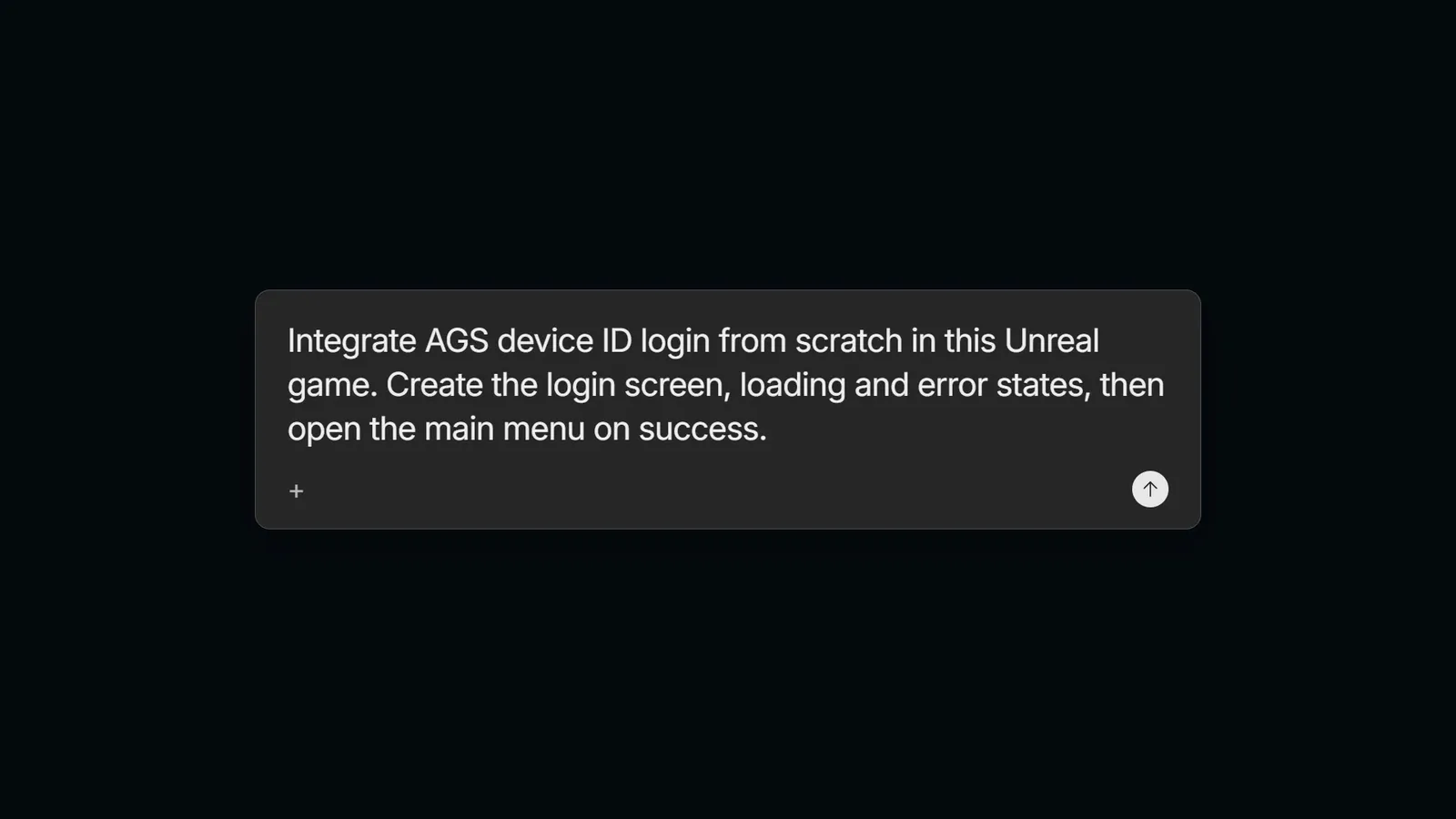
> Help me set up ranked matchmaking for 4-player squads.
AI Plugin & MCP

Give coding agents grounded context for AccelByte APIs, SDKs and operational workflows.

CLI

Inspect, configure and automate backend services from your terminal, scripts or AI agents.

More about AccelByte AI

Choose how much you want to operate.

Start on Public Cloud, customize with Extend, or choose an enterprise model when you need private deployment and greater control.

Start on Public Cloud

Launch quickly on a fully managed environment without operating any backend infrastructure yourself.

Customize with Extend

Override services, add APIs, and run game-specific logic without forking or hosting the platform yourself.

Enterprise model options

Use private deployment, greater infrastructure control, and dedicated support for complex requirements.

Need private deployment, infrastructure control, or dedicated support?

Explore an enterprise operating model with the AccelByte team.

Explore enterprise options

Comparison

Find the right solution for you.

Compare AccelByte with other providers across service coverage, customization, deployment, and operations. Understand the strengths, tradeoffs, and practical differences that could shape your decision.

Compare AccelByte
Radar comparing AccelByte with other providers across customization, service coverage, deployment, operations, and pricing

From solo developers to global publishers.

Trusted by teams of all sizes, with launch proof from real cross-platform titles.

120+

studios building with AccelByte

250+

titles live or in production

500M+

players served

Customer stories

Behind the games players love.

Real launch results from teams that chose to spend their time on the player experience, not rebuilding the backend underneath it.

Start building for free. Pay only when players arrive.

See the numbers before you talk to anyone. Begin on Public Cloud and pay for additional usage as your audience grows.

Free during development

We include the first 30 CCU free, so you can develop and validate your game before paying for additional capacity.

No monthly platform fee

Public Cloud continues with included daily capacity after the trial.

Pay only when players arrive

Usage-based pricing scales with peak concurrent players.

Estimate before launch

Use our calculator to model package and concurrency assumptions.

Example monthly cost

Estimated audience

50,000monthly players

Peak concurrency ≈ 500 players(About 1% of the monthly audience)
Estimated cost
≈ $350per month

Public Cloud usage estimate

Cross-platform progression, stores, and social features

Bring your first player online today.

Get started for free, and scale as your game grows.