
AI Plugin & MCP
Get AccelByte guidance and work with backend data in the AI tools you already use.
Get help building online features, working with player data, preparing playtests, and investigating crashes.
Trusted by game teams building at every scale
 2K
2K Krafton
 SNK
SNK Skybound Entertainment
 Starbreeze Entertainment
 Telltale Games
 Volition
 Tripwire Interactive
 Firewalk Studios
 1047 Games
 Bad Robot Games
 Dreamhaven
 Striking Distance Studios
 Build a Rocket Boy
 Moonshot Games
 Secret Door
 Theorycraft Games
 Shrapnel
 Neon Koi
 Stray Bombay
 Elodie Games
 UNSEEN
 AEXLAB
 Invisible Walls
 FuzzyBot
 Nerial
 Coreborn
 Genun Games
 GenPop
 StatusPro
 Raid Base
Explore AccelByte's plugins, connections, command-line tools, and built-in AI assistance to help your team build online features, manage backend tasks, and investigate crashes.
Get AccelByte guidance and work with backend data in the AI tools you already use.
Run backend tasks and turn multi-step operations into workflows your team can reuse.
Investigate crashes with AI assistance grounded in your game's captured data.
AI Plugin & MCP
Bring AccelByte guidance and backend access into Claude Code, Codex, Cursor or other AI tools. Build online features, check player data, and get help with custom game logic.

 AI PluginMCP connected
Sign-in flow
Welcome back, adventurer!
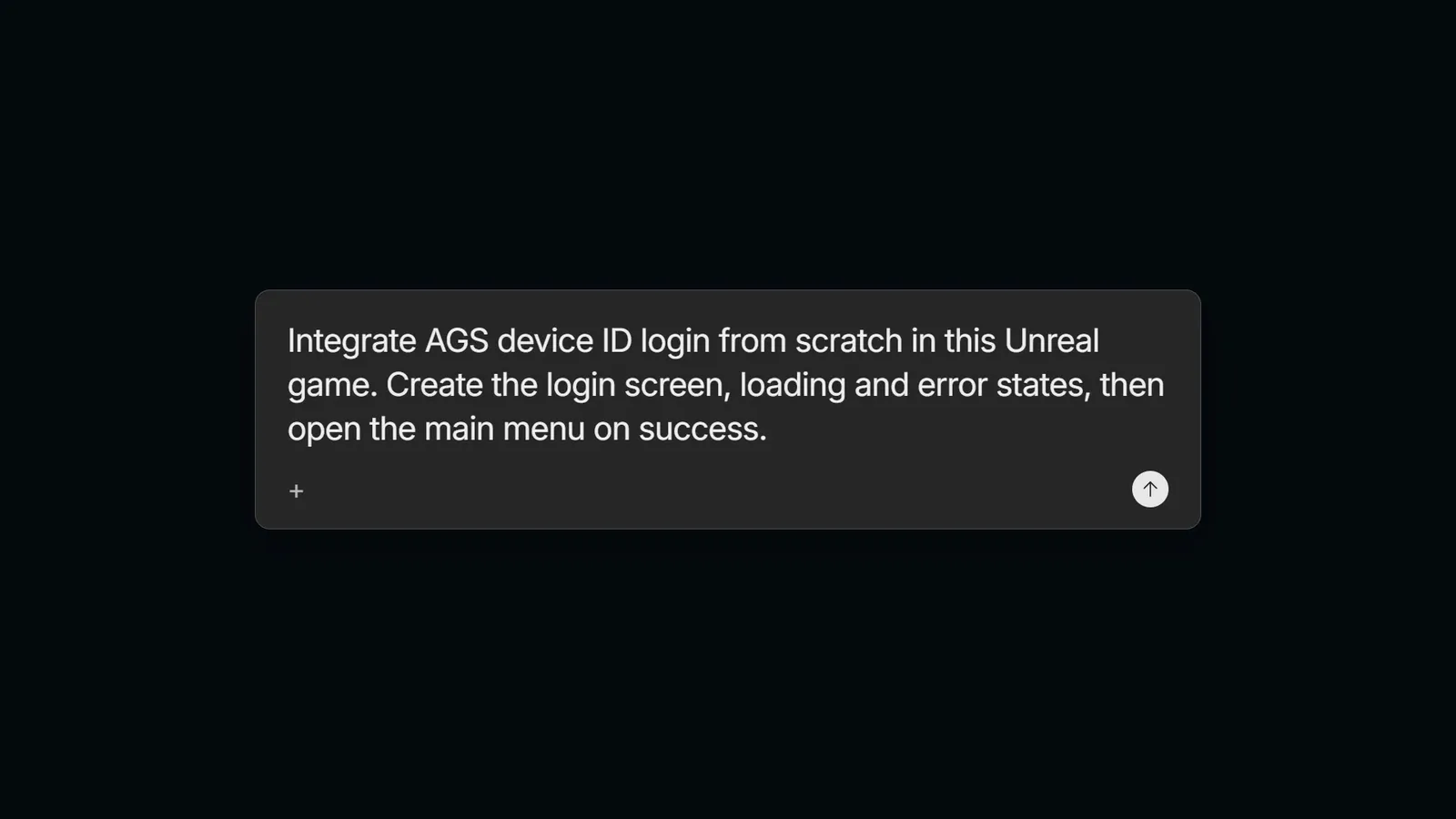
Sign inPowered by AccelByteBuild your next online feature. Get help integrating player sign-in, progression, leaderboards, and matchmaking.
 AI PluginMCP connected
Dragonforged Vanguard Armor
Item ID: 3e91f4c8b2a74d6f9c15a8e37b42d0f1
Work with your backend. Check player data and carry out supported operations through AccelByte MCP, using your team's configured access.
 AI PluginMCP connected
Created from the AGS Extend template
SDK reference used
Get guidance and SDK references for custom backend development with Extend.
 Teammate
Breaks the build
0call
Compiles quietly
0calls
Unaffected
0calls
Your leaderboard calls will break in 2026.4
Early Access
Ask Teammate to check what you've built. Find unfinished integrations, understand the impact of an SDK update, and get findings with sources your team can review.
Learn more about Teammate →Use with Claude Code, Codex, Cursor, and other supported AI tools.
AccelByte CLI
Run AccelByte commands from your terminal or through your AI tools. Prepare playtest accounts, handle backend tasks in batches, and turn longer sequences into workflows your team can reuse.
$ags workflow run competitive-multiplayer \
--namespace my-game \
--build-path ./server-build \
--fleet-region us-east-1 \
--fleet-instance-id <instance-id>
✓matchmaking configured
✓server build uploaded
✓AMS fleet connected
Complete a sequence of backend operations with a guided workflow such as set up competitive multiplayer.
$ags workflow template --output my-flow.yaml
$ags workflow add my-flow.yaml
$ags workflow run my-flow
✓sequence ready to reuse
Define backend operations in YAML, then run the same sequence whenever your team needs it.
ADT AI Tools
ADT gives AI the replay, logs, call stack, build details, and past crash reports. It suggests what likely went wrong and what to check next. A developer reviews every proposed change.
Evidence
Logs · around crash
Access violation
Callstack
Win64 · Shipping
AI Assistant
Here's the crash analysis:
Diagnosis
Memory pressure during asset streaming
Evidence
StreamingMip tail=0.78 · Texture upload 64 MB
Select a crash and use the built-in AI Assistant to investigate it.
Get started for free
Crash pulled from ADT
BUILD
Playtest 482
TIMES SEEN
37
FIRST SEEN
Build 481
The game uses a player who already left the session.
Leader->UpdateState();From the callstack · PartyManager.cpp · line 96
Your AI toolDiagnosis only. Your team approves any change.
Connect through ADT MCP to bring crash context into your development workflow.
Configure ADT MCPReal development workflows. Results reported by the teams using them.

Get started for free, and scale as your game grows.
What can we help you find out?