


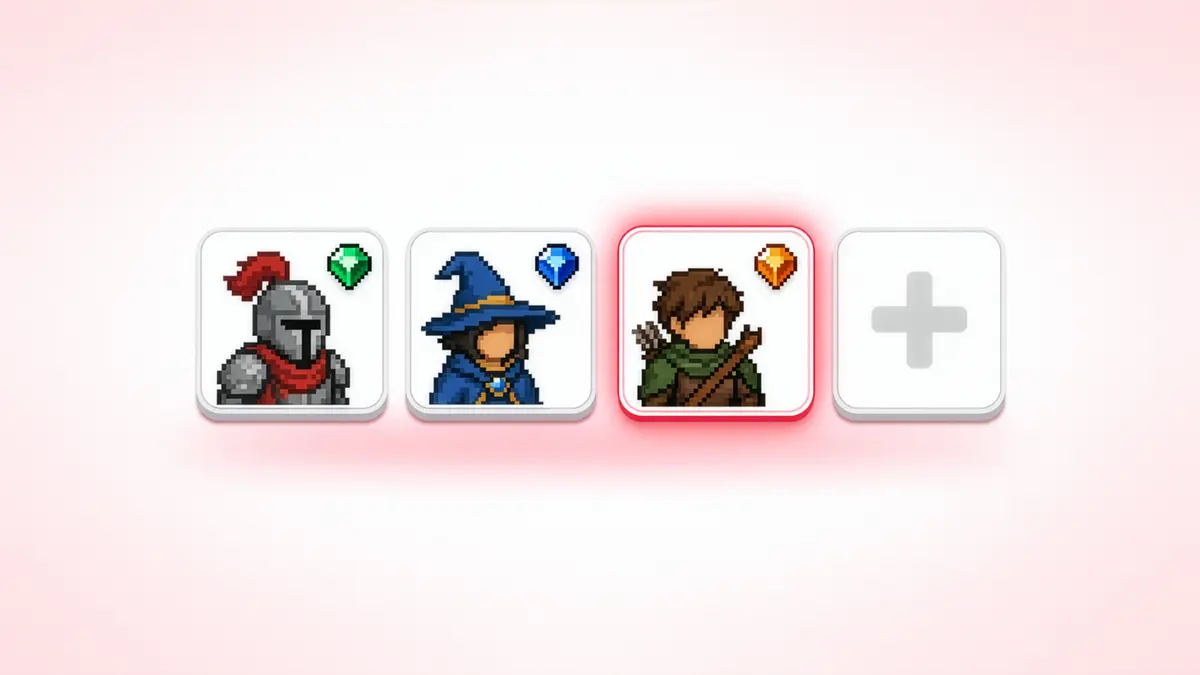
Getting a group together for a few multiplayer matches should be simple: invite the people you want to play with, get everyone ready, and jump into the game.
In Byte Wars, our sample multiplayer game, that flow had two friction points.
-
First, inviting someone to your squad required sending them a friend request. That works when you're playing with someone regularly, but it is a lot to ask when you've just met another player and only want to team up for a few matches.
-
Second, once everyone was in the party, there was no way to see what the rest of the squad had equipped before starting a match. You could load into the game only to discover that several players had brought the same power-up, at which point it was already too late to coordinate.
Neither problem is particularly complicated on its own, but together they add friction to something that should feel effortless: getting a group of players together, deciding what everyone is bringing, and getting into a match.
We wanted to improve that flow and AccelByte Gaming Services (AGS) already had the backend pieces needed to fix it but the missing work was on the client side: expose party join codes so players could join without a friend relationship, then use Party Session Storage to publish and read each member’s pre-match loadout.
This article shows how we wired both into Byte Wars using the AccelByte Online Subsystem (OSS) interfaces in Unreal Engine, including the API details and edge cases that were easiest to miss during implementation.
The examples below use Unreal Engine and AccelByte OSS, but the underlying party and session-storage capabilities are not specific to Unreal. If you're integrating AGS through another supported SDK, such as Unity, you can build the same player flows using the APIs provided by that integration.
Integration Overview
Byte Wars routes party and session management through a single runtime UOnlineSession-derived class. The examples below call the AccelByte session and identity interfaces directly. If your project uses the same OSS plugin setup, the flow is the same even if your own session wrapper is structured differently.
Get the Session and Identity Interfaces
Start by resolving the session interface, identity interface, and the local player ID that will be used for the party calls:
#include "OnlineSubsystemUtils.h"
#include "OnlineSessionInterfaceV2AccelByte.h"
#include "OnlineIdentityInterfaceAccelByte.h"

FOnlineSessionV2AccelBytePtr SessionInterface =
    StaticCastSharedPtr<FOnlineSessionV2AccelByte>(Online::GetSessionInterface(World));

FOnlineIdentityAccelBytePtr IdentityInterface =
    StaticCastSharedPtr<FOnlineIdentityAccelByte>(Online::GetIdentityInterface(World));

FUniqueNetIdPtr LocalUserId = IdentityInterface->GetUniquePlayerId(LocalUserNum);
Everything that follows assumes the player already has an active party session and a valid local user ID.
Party Join Codes
A friends list is useful for persistent relationships. It is less useful as a hard requirement for every short-lived party.
Think about a four-player squad: you invite one friend, they bring two people you do not know, and everyone wants to queue together immediately. Requiring those extra players to become friends first adds a social step that has nothing to do with the match you are trying to start.
A party code gives the group a temporary join path instead. One player exposes the code, the others enter it, and nobody needs a pre-existing friend relationship.
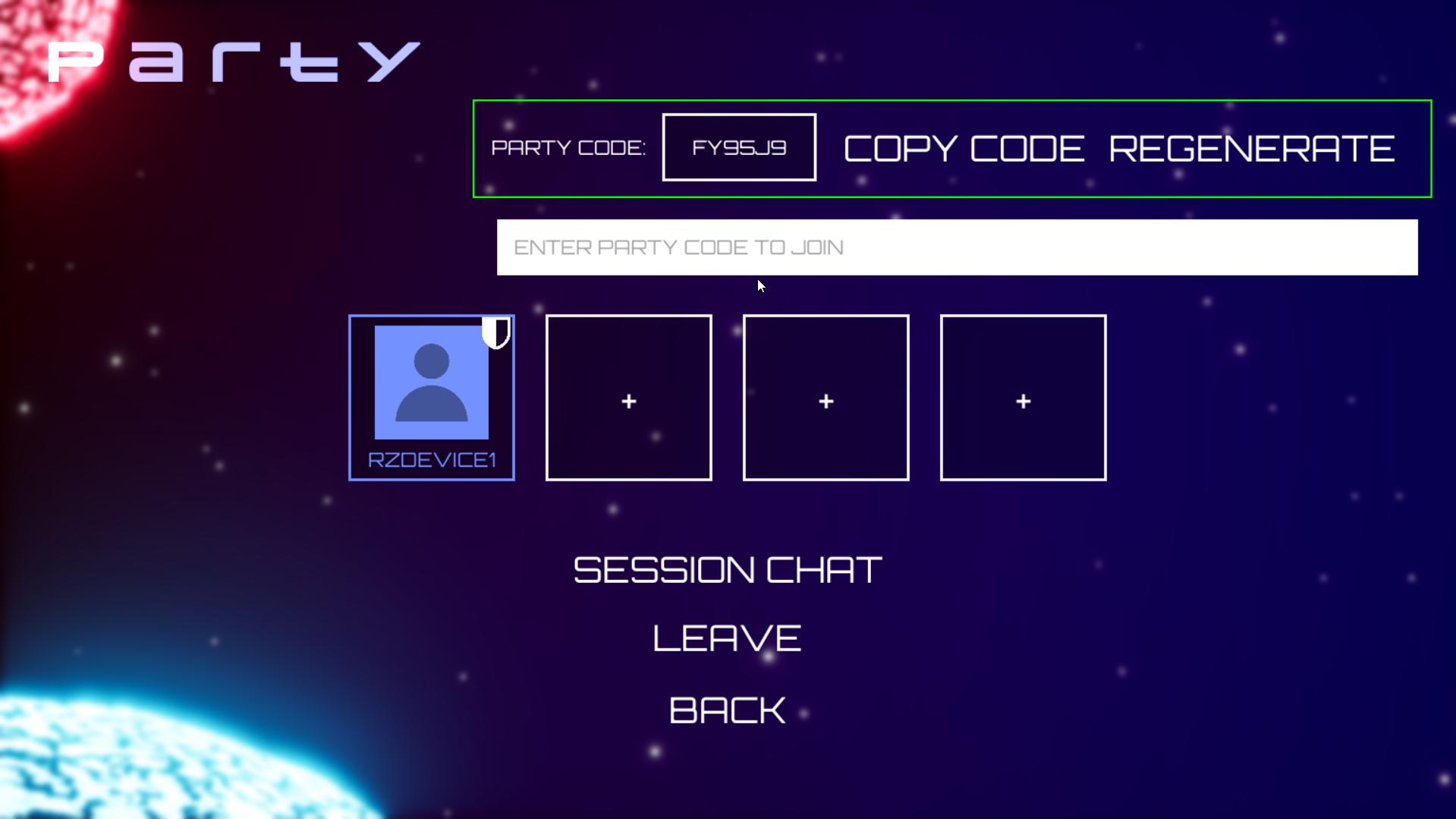 Byte Wars party UI with an active party code and a field for joining by code.
Generating and Revoking Codes
Request a code for the current party from the backend with GenerateNewPartyCode:
SessionInterface->GenerateNewPartyCode(
    *LocalUserId,
    NAME_PartySession,
    FOnGenerateNewPartyCodeComplete::CreateLambda(
        [](bool bWasSuccessful, FString NewPartyCode)
        {
            // Show NewPartyCode in the UI.
            // It automatically writes to SETTING_PARTYSESSION_CODE in session settings.
        }));
Once generated, the code can be surfaced anywhere that makes sense for your lobby UI: copied to the clipboard, shown next to the party roster, or shared through an external chat. The more useful property of a join code is that it is disposable.
For example, if a streamer puts a party code on screen so players can join, that code may remain visible in a VOD or chat history after the intended invite is over. Revoke it once the expected players are in, or whenever you want the door shut.
SessionInterface->RevokePartyCode(
    *LocalUserId,
    NAME_PartySession,
    FOnRevokePartyCodeComplete::CreateLambda(
        [](bool bWasSuccessful)
        {
            // Code cleared; subsequent join attempts using it will fail.
        }));
Reading the Active Code
If the UI needs to recover the current code rather than only using the value returned at generation time, read it from the named party session settings:
const FNamedOnlineSession* PartySession = SessionInterface->GetNamedSession(NAME_PartySession);
FString PartyCode;

if (PartySession)
{
    PartySession->SessionSettings.Get(SETTING_PARTYSESSION_CODE, PartyCode);
}
Joining a Party by Code
This was the API detail that was easiest to miss when reading the OSS surface cold: there is no separate JoinPartyByCode method. Join-by-code is just an overload of plain JoinSession that takes a code string instead of a search result.
SessionInterface->JoinSession(*LocalUserId, NAME_PartySession, Code, EAccelByteV2SessionType::PartySession);
The result comes back through the normal join-session delegate, so the rest of your success and error handling can stay in the same path as other session joins:
SessionInterface->OnJoinSessionCompleteDelegates.AddLambda(
    [](FName SessionName, EOnJoinSessionCompleteResult::Type Result)
    {
        // Handle result (EOnJoinSessionCompleteResult::Success)
    });
One state transition still belongs to the client: if the player is already in a party, tear down that existing party session with (SessionInterface->DestroySession(...)) prior to joining. The OSS does not automatically move a client from one active party into another.
Pre-Match Loadout Visibility with Party Session Storage
Once players could get into the same party more easily, the next problem was coordination inside that party.
Byte Wars lets players choose a power-up before the match. If those choices only become visible after the level loads, the lobby cannot help the team react to duplicate picks. We wanted the party roster to answer a simple question before the match: what has everyone actually equipped?
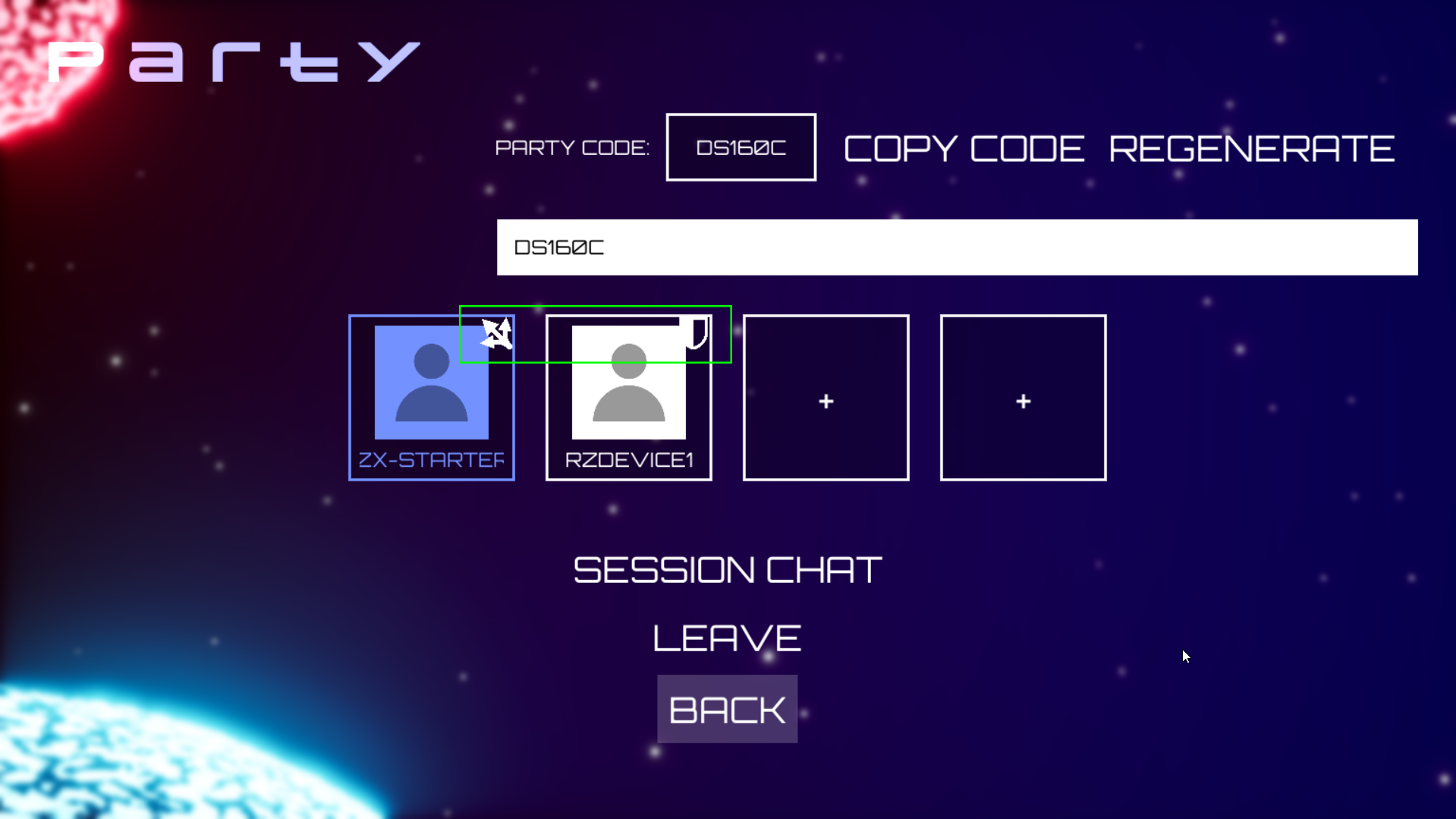
AGS Party Session Storage fits that use case because the data lives with the party rather than in a separate game-specific service. Each member publishes a small JSON payload for their own entry. Everyone in the party can read the aggregate storage, while a member only writes their own entry. The payload is just a JSON object with no schema enforced, so use whatever fields the game needs.
FJsonObjectWrapper Payload;
Payload.JsonObject = MakeShared<FJsonObject>();
Payload.JsonObject->SetStringField(TEXT("PowerUpItemId"), PowerUpId);
Publish the Local Player’s Entry
Write the local player’s payload with UpdatePartySessionStorage:
SessionInterface->UpdatePartySessionStorage(*LocalUserId, Payload);
There is an important distinction here: that call only tells you the write was dispatched, not that it finished. If your UI or game logic needs confirmation that the write actually landed, bind the completion delegate:
SessionInterface->OnUpdatePartySessionStorageCompleteDelegates.AddLambda(
    [](FName SessionName, const FOnlineError& ErrorInfo)
    {
        // ErrorInfo.bSucceeded tells you whether the write actually completed.
    });
In this Byte Wars implementation, this will only fire once when opening the party UI to keep network overhead low. If your lobby allows players to cycle through gear and you want every change reflected immediately, hook UpdatePartySessionStorage directly into your UI selection callbacks.
Read Party State and React to Updates
To build the initial lobby view, fetch Party Session Storage for the current party:
FUniqueNetIdAccelByteUserPtr LocalUserABId = StaticCastSharedPtr<FUniqueNetIdAccelByteUser>(LocalUserId);

SessionInterface->GetPartySessionStorage(
    LocalUserABId,
    FOnGetPartySessionStorageComplete::CreateLambda(
        [](const FAccelByteModelsV2PartySessionStorage& Data, bool bWasSuccessful)
        {
            // Data.Member is a TMap<FString /*party member's user ID*/, FJsonObjectWrapper>
            // -- one entry per member who's published something.
        }));
That gives you the current state. For changes after the lobby is already open, there is no reason to poll continuously. Subscribe to the party-storage update notification instead:
SessionInterface->OnPartyStorageUpdateReceivedDelegates.AddLambda(
    [](FName SessionName, const FUniqueNetId& UpdatedMemberId)
    {
        // Triggers when a party member writes to storage.
        // Re-fetch GetPartySessionStorage here to update client UI.
    });
The pattern is straightforward: fetch once to populate the lobby, listen for a storage update, then re-fetch when something changes. That keeps the UI current without turning the lobby into a polling loop.
Wrapping Up
In Byte Wars, the matchmaking queue itself was not where the experience was breaking down. The friction was in getting the right players into the party and giving that party enough shared state to coordinate before the match.
Party join codes solved the first problem without forcing temporary teammates through a friend-request flow. Party Session Storage solved the second by giving the lobby a lightweight place to expose per-player selections before loading into the match. AGS also supports password-protected session joining, which covers a different set of use cases than party codes and is worth treating separately rather than folding into the same flow.
Resources & Code Links
Build the Party Flow Your Game Actually Needs
Party join codes and shared pre-match state shouldn’t require you to build another backend system from scratch. AccelByte Gaming Services gives you the session, party, and storage primitives to handle flows like these while you stay focused on the game-side experience. Start building with AGS for free and try the same APIs and workflows in your own project, or talk to us about how they fit into your multiplayer architecture.
You're almost signed up!
Verify your account by following the instructions sent to .
If you still haven't received an email, please check your spam folder.
Featured Blog Posts

Featured Customer Stories


Bring your first player online today.
Get started for free, and scale as your game grows.