


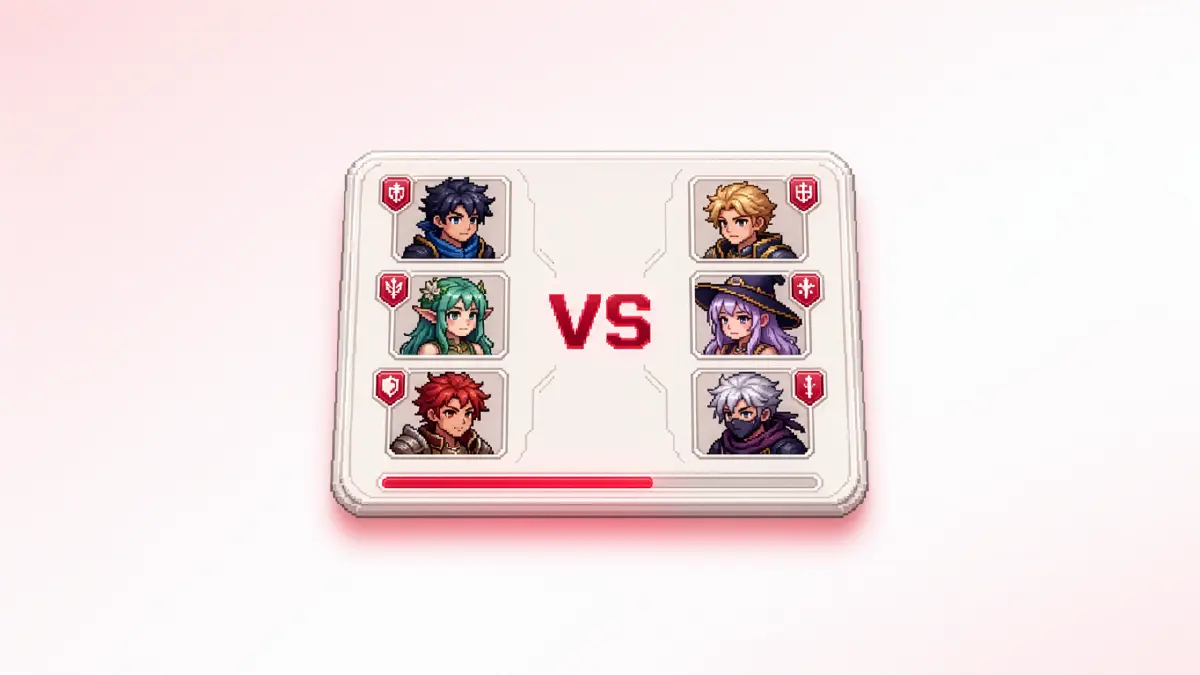
Most studios building multiplayer on Unity end up with Unity's Matchmaker by default. It is bundled with Unity Gaming Services, integrated into the editor, and documented in the same place as Netcode.
But after Unity wound down Multiplay Hosting on March 31, 2026 and licensed the orchestration software to Rocket Science Group, more studios started asking the obvious follow-up: how dependent should a multiplayer game be on any single vendor's stack?
This article walks through what Unity gives you natively for multiplayer, the practical options for matchmaking when you have decided not to use Unity's Matchmaker service, and how to wire one of those alternatives end to end inside a Unity project.
What Unity Gives You and Where Matchmaker Stops
Unity's multiplayer stack splits into two distinct layers: what you can use without touching Unity Gaming Services (UGS), and what lives inside UGS.
Once you're inside UGS for matchmaking, the service is capable. Queues, pools, tickets, a rules engine with match-level and team-level logic and relaxation over time. But the product has hard limits you'll hit sooner than you expect:
-
10 queues maximum
-
10 pools per queue
-
25KB ticket size cap
Custom match logic beyond the rules engine has to live in a Cloud Code module. And because Matchmaker requires UGS Authentication, every player needs a UGS identity — which adds friction for games where Steam, PSN, or Xbox is the primary account layer.
None of that is a flaw. It’s just the shape of the product. The reasons studios decide they do not want it tend to fall into a small set:
-
Stack independence.
After watching Multiplay Hosting wind down, some teams want their matchmaker decoupled from the rest of UGS in case a future product gets deprioritised. -
Cross-engine or cross-studio reuse.
A studio with multiple games in different engines wants one matchmaking service across all of them, not one per engine. -
Custom match logic.
Skill-rating systems with their own math, tournament brackets, fairness rules, cohort-based matchmaking. Things that do not fit cleanly into a rules-and-relaxation model. -
Bundled backend.
A team that wants matchmaking, dedicated server orchestration, identity, economy, and sessions from one provider, not three. -
Identity flexibility.
Games where the player identity should be Steam or Epic or PSN first, and UGS Auth feels like an extra layer to maintain.
After the Multiplay Hosting transition, the bundling argument for Unity Matchmaker is also weaker than it used to be. Server orchestration is now a separate provider integration regardless of which matchmaker you choose, so picking a matchmaker outside UGS no longer means giving up an integrated experience that doesn't exist.
Your Options for Matchmaking in Unity without Unity Matchmaker
There are seven realistic paths once you decide to skip Unity Matchmaker. They sit at different points on the build/buy and customisation/turnkey axes.
-
Build it yourself:
Full control over ticket logic, match formation, party handling, and how matchmaking talks to your hosting layer. The trade-off is months of engineering before the first match runs in production: queueing, backfill, region-aware placement, party support, failure handling, and metrics all have to be built from scratch. Pricing: cost of engineering time, hosting and ops. -
Steam Matchmaking and Lobbies:
Built into the Steamworks SDK, free for Steam-shipped games, lobby-based with a search API and up to 250 users per lobby. Steam-only by design, so it does not carry players from console or other PC stores, and skill-based matchmaking has to be built on top of the lobby system rather than coming with it. Pricing: free with Steamworks distribution. -
Epic Online Services (EOS):
Free, cross-platform, includes a session-based matchmaking model and P2P relay, with a Unity SDK and a documented integration path. EOS matchmaking is session-search based like Steam rather than ticket-and-rules based, and it does not include authoritative dedicated server orchestration, so authoritative server games still need a separate hosting solution. Pricing: free + usage. -
Nakama (Heroic Labs):
Open-source Go-based backend with a customisable server-side matchmaker you can extend in Go, TypeScript, or Lua, plus a Unity Verified SDK. Server orchestration is your responsibility: there is an Edgegap plugin that handles allocation, but if you self-host you own the operational work. Pricing: open-source under Apache 2.0; Heroic Cloud managed pricing on request. -
Photon Fusion / Quantum:
Unity Verified Solutions with built-in room-based matchmaking via Photon Realtime, plus high-performance state-sync (Fusion) or deterministic predict-rollback (Quantum) netcode. Matchmaking is room-based with custom properties rather than rules-engine based with explicit ticket logic, which works for many session games but is less natural for skill-tier queues at scale. Pricing: 100 CCU evergreen free tier; paid plans start at $95/year.
Most off-the-shelf options either cover matchmaking and leave server orchestration as a separate problem, or cover one engine well and leave cross-engine support shallow.
AccelByte addresses that gap with a feature rich, extendable, ticket-and-pool matchmaker, dedicated server orchestration that talks to it natively, and a Unity SDK that wires both into the same set of API calls.
How to Do It with AccelByte
AccelByte is a backend platform built for online multiplayer games that works with Unreal, Unity and custom engines. Two products handle the matchmaking path end to end and integrate into Unity through the AccelByte Unity SDK:
-
Matchmaking in AccelByte Gaming Services (AGS), which manages tickets, pools, and rules
-
AccelByte Multiplayer Servers (AMS), manages dedicated server hosting and orchestration
What AGS Matchmaking Does
You define a match pool per game mode, attach a session template and a match ruleset, and players submit match tickets. The service evaluates tickets continuously, groups players that satisfy the ruleset, creates a session, and triggers a server claim from AMS. Out of the box it covers: solo and party tickets, match-level and team-level rules with relaxation over time, region-aware QoS data on tickets, and backfill.
Some logic does not fit cleanly into a rules-and-relaxation engine: custom skill-rating math, tournament brackets, cohort-based matchmaking, region-specific fairness rules. For those cases, AccelByte Extend lets you write fully custom matchmaking functions that run on our infrastructure.
What AMS Does
AMS is the dedicated server orchestration layer. It runs cloud and bare-metal instances across Google Cloud (GCP), Amazon Web Services (AWS), Microsoft Azure, and servers.com, supports hybrid setups, and handles pre-warmed instances and regional buffer management. AMS also works as a standalone product so studios that want AccelByte's hosting but a different matchmaker can still use it.
Integration Steps in a Unity Project
-
Install the AccelByte Unity SDK and configure your client ID and namespace in
AccelByteSDKConfig.json. -
In the AGS Admin Portal, create a session template, a match ruleset, and a match pool that ties them together.
-
In your Unity client, authenticate the player with AGS, then connect to the Lobby service and bind the matchmaking notification events.
-
Submit a ticket by calling
MatchmakingV2.CreateMatchmakingTicket(matchPool, ...). Pass QoS latencies and any custom ticket data you want the ruleset to evaluate. -
On the server side, run the dedicated build with the
-dsIdargument so the SDK can register with AMS. Listen forMatchmakingV2ServerClaimedon the DS Hub to know when a session has been allocated to your instance. -
After the session is claimed, the client receives the match-found event with server connection info and joins the session. From there your gameplay code takes over.
The full client and server SDK calls are covered in Integrate matchmaking (Unity) and the Byte Wars Unity tutorial walks through a full project from auth through matchmaking with dedicated servers.
What This Looks Like in Production
Two studios shipping multiplayer games on AccelByte's matchmaking and dedicated server stack:
AEXLAB
The game: VAIL VR, a competitive VR first-person shooter, live on Steam and Meta Quest with a 50,000+ player community. They used AccelByte for:
-
Server orchestration, matchmaking, and a server browser, migrated in 10 weeks when their previous backend was being deprecated (Read the full story here)
-
A hybrid fleet across cloud VMs and bare metal via servers.com, tuned for higher session density per VM, which cut live server costs by 45.98% (Read the full story here)
Genun Games
The game: a racing-shooter hybrid by a four-person indie studio in Seattle, with indie awards at PAX and Dreamhack. They used AccelByte for:
-
Skill-based matchmaking with custom lobbies
-
Dedicated servers across multiple regions via AMS
-
Cross-platform integration across Steam, PSN, Xbox, and Cardano
Read the full story here.
Before You Go Live: Things to Check Regardless of the Matchmaker
A few things matter at launch no matter which option above you chose:
-
QoS data on every ticket. Region-aware placement matters more than rule complexity in the first weeks of a live game. Whichever matchmaker you use, collect latency (AccelByte SDK does it automatically) client-side and pass it into the ticket so placement is not just a coin flip.
-
A real backfill strategy. Decide what happens when a player drops mid-session. Some matchmakers handle backfill automatically, others leave it to you. Either way, design the player-facing UX before you ship it.
-
Cold start latency. Pre-warmed dedicated server pools matter for first-match experience. Test with realistic CCU patterns, not five players in a Discord call.
-
Party-aware flows. Solo and party UX diverge fast. Pick a matchmaker that handles parties end-to-end or budget engineering time to build it.
-
Failure-path testing. Test what happens when a matchmaker is healthy but the fleet is exhausted. Most teams don't, and it's one of the harder failure modes to recover from live.
Get Your First Unity Match Running For Free
If you're interested in using AccelByte for the matchmaking features described, both AGS Shared Cloud and AMS offer free periods.
- AccelByte Gaming Services (AGS) that includes matchmaking and other services is completely free during development in a public cloud environment until you hit 30 concurrent users.
- AccelByte Multiplayer Servers (AMS) also comes with a 90-day free trial and is billed based on the instances and regions you actually use.
If you are still in the evaluation phase and not ready to sign up, the Unity matchmaking integration docs and the Multiplay transition piece covering the architecture in depth.
You're almost signed up!
Verify your account by following the instructions sent to .
If you still haven't received an email, please check your spam folder.
Featured Blog Posts

Bring your first player online today.
Get started for free, and scale as your game grows.